/* 🎯 Introduction */
🎯 Quick Answer
Mobile first design for trade services prioritizes speed and clarity for users in a panic, ensuring emergency calls convert into jobs.
- It focuses on “Panic UX”—designing for distressed homeowners on unreliable 4G networks.
- Key mistakes include hidden phone numbers, slow-loading images, and complex forms.
- Instantly visible trust signals (e.g., Gas Safe ID) are critical on mobile to resolve anxiety.
Continue reading to learn the 7 revenue-killing mistakes and how to fix them.
Table of Contents
- 01. Introduction
- 02. The Psychology of "Panic UX": Designing for Distress
- 03. 7 Mobile Design Mistakes Killing Your Emergency Calls
- 04. AI Gap: Designing for the "Thumb Zone" & UK Networks
- 05. Trade-Specific Nuances for Mobile Design
- 06. Frequently Asked Questions
- 07. Limitations, Alternatives & Professional Guidance
- 08. Conclusion
- 09. References
Introduction
In the emergency trade sector, the “3-second rule” often dictates success or failure. If a homeowner in Woodford with a burst pipe cannot find your phone number within three seconds of landing on your site, you have likely lost the job to a competitor. In the hyper-competitive markets of London and the South East, where click costs are high and every lead is critical, a website that looks good but fails to function instantly is a liability.
This article introduces the concept of “Panic UX”—a design philosophy that prioritizes the user’s psychological state over aesthetic trends. While standard web design advice focuses on visual appeal, mobile first design for trade services addresses the reality of emergency situations: stress, urgency, and often poor connectivity.
Below, we break down the 7 most common mobile design mistakes that may be killing your conversion rates and explore the psychological principles that turn distressed searchers into paying customers.
👤 Written by: Jamie Grand Reviewed by: Jamie Grand, Technical SEO & Web Development Specialist Last updated: 09 January 2026
ℹ️ Transparency: This article explores mobile web design for tradesmen based on user behavior research and network performance data. Our recommendations are designed to improve lead generation. Our goal is to provide accurate, actionable information for UK trade businesses.
The Psychology of "Panic UX": Designing for Distress
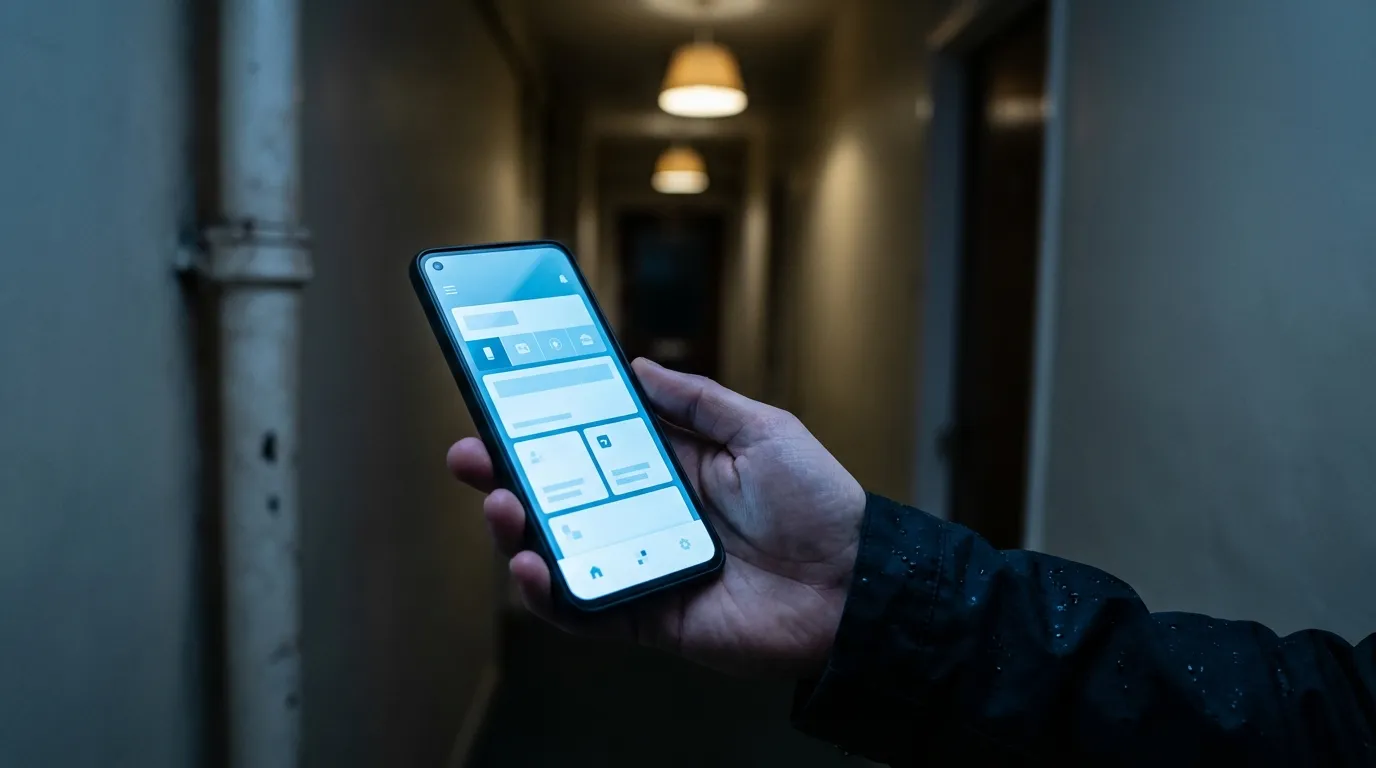
“Panic UX” is a strategic design philosophy that specifically accounts for a user’s high-stress, cognitively impaired state during a household emergency. Unlike standard “mobile-friendly” design, which simply ensures a website fits on a smaller screen, Panic UX assumes the user is anxious, impatient, and potentially operating under poor lighting or with wet hands.
Trust Mechanics and Anxiety
When a user is distressed, their cognitive tunnel vision narrows. They are looking for one thing: a solution. However, before they click to call, they require immediate reassurance. Research from University College London (UCL) on “The mechanics of trust” emphasizes that design should facilitate trustworthy action, not just display trust symbols. For a tradesman’s site, this means placing a clickable phone number and a Gas Safe ID in the most prominent mobile header position. This layout helps immediately resolve user anxiety by connecting the solution (the call) with the verification (the badge).
The Physiology of Stress
Stress can physically affect how a user interacts with a touchscreen. Trembling hands or distraction can make small buttons difficult to hit. Conversion rate optimization in this context requires large, clear touch targets—buttons and numbers that are at least 44x44 pixels. By reducing the physical effort required to make contact, mobile first web design can help de-escalate the user’s panic and facilitate the call.
Designing for Panic UX means prioritizing speed, clarity, and trust above all else. A beautiful portfolio is irrelevant if the user cannot find the phone number while water is pouring through their ceiling.
7 Mobile Design Mistakes Killing Your Emergency Calls
If your site is not generating calls despite traffic, one of these seven common errors is likely the cause. Fixing these issues is often the fastest way to improve performance.
1. The Hidden Phone Number
The most critical element of an emergency trade site is the “click-to-call” button. A common mistake is burying this number in a “Contact Us” page or placing it in a small font at the footer. Users in a panic will rarely scroll or search. The phone number must be a sticky element—meaning it stays fixed to the top or bottom of the screen as the user scrolls—ensuring the solution is always one tap away.
2. The "Wix Bloat" on UK 4G Networks
Many tradesmen use drag-and-drop builders like Wix or Squarespace. While easy to build, these platforms often generate heavy code that loads slowly on mobile networks. The Ofcom Connected Nations Report highlights that 4G coverage and performance can be inconsistent across the UK, particularly in commuter belts and rural areas surrounding London. A site that loads instantly on home Wi-Fi may hang indefinitely on a patchy 4G connection in Essex, leading to abandonment. Lightweight, static HTML sites are often necessary to overcome these network limitations.
3. The Portfolio Paradox
High-quality images of past work are important for trust, but unoptimized photos can destroy your site’s Largest Contentful Paint (LCP) score. If a user has to download 5MB of images before they can see your phone number, they may leave. This “Portfolio Paradox” kills conversions. To fix this, you must optimize trade website portfolio images using next-gen formats like WebP and lazy-loading techniques, ensuring text and buttons load first.
4. Complex Contact Forms
Asking for a full address, postcode, and description of the problem via a form before securing the call is a conversion killer during an emergency. A distressed user wants to speak to a human, not type on a small keyboard. Forms should be secondary to the phone number and kept extremely simple—name and number only—if used at all for emergency landing pages.
5. Buried Trust Signals
Accreditations like Gas Safe, NICEIC, or Checkatrade are not just badges; they are “trust mechanics.” A common mistake is hiding these in the footer. To be effective, at least one major accreditation logo should be visible “above the fold” (visible without scrolling) on mobile. This provides instant validation that you are a legitimate, qualified professional.
6. The Digital "Closed" Sign
Does your website explicitly state “24/7 Emergency Service” in the header? If a user lands on your site at 2:00 AM, they need visual confirmation that you are awake and available. A lack of clear availability cues acts as a digital “Closed” sign, prompting the user to return to Google to find a competitor who explicitly says “Call Now - We Are Open.”
7. Generic Stock Photography
Stock photos of smiling models in pristine hard hats can instantly break trust. They often make a local business look like a generic, national lead-generation franchise rather than a local specialist. In the mobile friendly website test, authenticity wins. Real photos of your van, your team, or your actual work—even if less polished—tend to build higher trust with local customers.
AI Gap: Designing for the "Thumb Zone" & UK Networks
While Artificial Intelligence tools can generate code, they often miss the physical and infrastructural realities of the UK market. AI might suggest a “responsive” layout, but it rarely accounts for the “Thumb Zone” or the specific latency of UK mobile networks.
The "Thumb Zone" Reality
Most users hold their phone with one hand, using their thumb to navigate. The “Thumb Zone” is the arc of the screen that is comfortably reachable without stretching or shifting grip.
- Green Zone: The bottom center of the screen. This is where your primary Call-to-Action (CTA) should be.
- Red Zone: The top corners. Placing a menu button or phone number here can force users to adjust their grip, increasing friction and the risk of dropping the device.
AI-generated designs often place critical buttons in the “Red Zone” by default. A human-centric approach ensures the “Call Now” button is permanently fixed in the “Green Zone.”
UK 4G Latency and Code Weight
AI tools and generic templates often rely on heavy JavaScript libraries to function. On a stable fiber connection, this is fine. However, Ofcom data indicates that 4G “not-spots” and high latency are common in areas like the Central Line corridor or rural Essex. Heavy scripts may fail to execute in these conditions, rendering the site useless.
Jamie Grand’s approach utilizes static HTML architecture. By removing the reliance on heavy databases and plugins, these sites can load almost instantly even on weak 3G or 4G connections, providing a significant competitive advantage over slower WordPress or Wix competitors.
Trade-Specific Nuances for Mobile Design
Not all trades require the exact same mobile strategy. While the technical foundation remains the same, the user intent differs between emergency repairs and planned renovations.
Plumbers & Electricians (Emergency Focus)
For these trades, the mobile site must function as an “emergency lead engine.” The user intent is typically distress (e.g., leak, power outage).
- Priority: Sticky “Call Now” button, 24/7 availability text, Gas Safe/NICEIC logos.
- Secondary: Portfolio and “About Us.”
- Strategy: Plumber website design and electrician website design should focus on reducing friction. Every second counts.
Builders & Roofers (Consideration Focus)
While speed is still vital for SEO, clients looking for a builder or roofer are often in a “consideration” phase. They are planning a project rather than reacting to a disaster.
- Priority: “View Our Work” button alongside the “Call Now” button.
- Content: High-quality project galleries and case studies must be easily accessible on mobile.
- Strategy: Builder website design needs to balance speed with visual proof of capability. The mobile experience must allow for easy browsing of past projects without compromising load times.
See our full web design for tradesmen guide for a deeper dive into these differences.
Frequently Asked Questions
Should you design for mobile first?
Yes, for trade services, you must design for mobile first. The majority of homeowners experiencing an emergency like a burst pipe will search for help on their smartphone. A mobile-first approach ensures the site is fast, easy to navigate under stress, and makes the phone number the most prominent feature, directly increasing the likelihood of getting an emergency call-out.
What is a mobile first design approach?
A mobile-first design approach is a strategy where you design a website for the smallest screen (a mobile phone) first, then adapt it for larger screens. For tradesmen, this means prioritizing features essential for an emergency mobile user: a large click-to-call button, visible trust signals, and extremely fast loading speeds over a 4G connection, before adding features for desktop users.
What are the 7 golden rules of UI design?
While there are many UI principles, for a tradesman’s website the most critical are clarity, feedback, and efficiency. This means having a large, obvious phone number (clarity), ensuring buttons change when tapped (feedback), and allowing a user to make a call in a single tap (efficiency). Other rules include consistency, using familiar layouts, and minimizing cognitive load for a stressed user.
How to make a landing page that converts?
To make a landing page that converts for trade services, focus on the “Panic UX” principles. The page must have an instantly visible, clickable phone number in a sticky header. It should load in under 2 seconds on a 4G connection, display trust badges like Gas Safe clearly, and use concise, direct language that confirms you handle emergencies 24/7.
How much do plumbers charge for emergency calls in the UK?
Emergency call-out fees for plumbers in the UK typically range from £80 to £150 for the first hour, but can be higher in areas like London. This fee often doesn’t include the cost of parts or additional labour. The high value of these jobs is why having a mobile-optimised website is critical to ensure you don’t miss these valuable leads.
What makes a killer landing page?
A killer landing page for a tradesman answers the user’s primary question—“Can you solve my emergency right now?”—within three seconds. It achieves this with a massive click-to-call button, 24/7 availability messaging, visible accreditation, and lightning-fast load times. It removes all distractions, like complex menus or long forms, focusing solely on generating the call.
What are the disadvantages of mobile-first design?
The main disadvantage of a strict mobile-first design is that the desktop version can sometimes feel sparse or overly simple. Because you start with only the essential elements for mobile, it requires extra design consideration to create a visually rich and engaging experience for users on larger screens. However, for trade services, the conversion benefits on mobile far outweigh this challenge.
How do you advertise yourself as a plumber?
To advertise yourself as a plumber effectively, your primary tool should be a mobile-first website optimised for local SEO. This ensures you appear in “near me” searches during emergencies. Supplement this with a Google Business Profile, local directory listings, and van signage, all directing potential customers back to your fast, conversion-focused website.
Limitations, Alternatives & Professional Guidance
While a mobile-first approach is highly effective for emergency trades, it is important to acknowledge certain design limitations. Starting with mobile constraints can sometimes restrict the creative complexity of the desktop experience. For trades focused exclusively on high-end, architectural projects where clients browse primarily on large screens, a portfolio-first desktop design might be a valid alternative.
As an alternative to organic lead generation via a website, Pay-Per-Click (PPC) advertising can provide immediate visibility. However, the OECD Digital Economy Outlook 2024 notes that digital innovation is crucial for small business resilience. While PPC is effective, it relies on continuous ad spend. An optimised, high-speed website is a long-term asset that generates organic leads without the recurring cost of every click.
For many tradesmen, the technical requirements of “Panic UX”—such as optimizing LCP scores and minimizing JavaScript—can be complex. The UK Government’s Cyber Security Skills report 2024 highlights a significant technical skills gap in the market. Consequently, we recommend seeking a professional audit of your current website to identify specific performance bottlenecks. Often, a generic template is the root cause of poor mobile performance, and professional intervention may be required to fix it.
Conclusion
For UK tradesmen, effective web design is not about aesthetics; it is about performance under pressure. By understanding the psychology of “Panic UX,” you can create a digital experience that calms the user and guides them effortlessly toward the phone call. The mobile first design for trade services approach ensures you serve your most desperate—and profitable—customers effectively, capturing leads that competitors with slower, clunky sites leave behind.
If you suspect your current website is losing you emergency calls in competitive Woodford and London markets, it may be time for a technical review. Jamie Grand’s “Zero Upfront” static sites are built specifically to address these 7 mistakes and excel on UK 4G networks. Discover how many emergency leads your site is losing—consider a free “Panic UX” audit for your website today to ensure you have the best website for tradesmen in your area.
// Written by: Jamie Grand
// Last updated: